Online Ordering System for Restaurants: Apps, Platforms, or Your Own
Delivery apps, ordering platforms, or an ordering system on your own website: what each one really costs at 300 orders a month, what features matter, and how to choose.
By BuildlyPublished October 27, 20269 min read
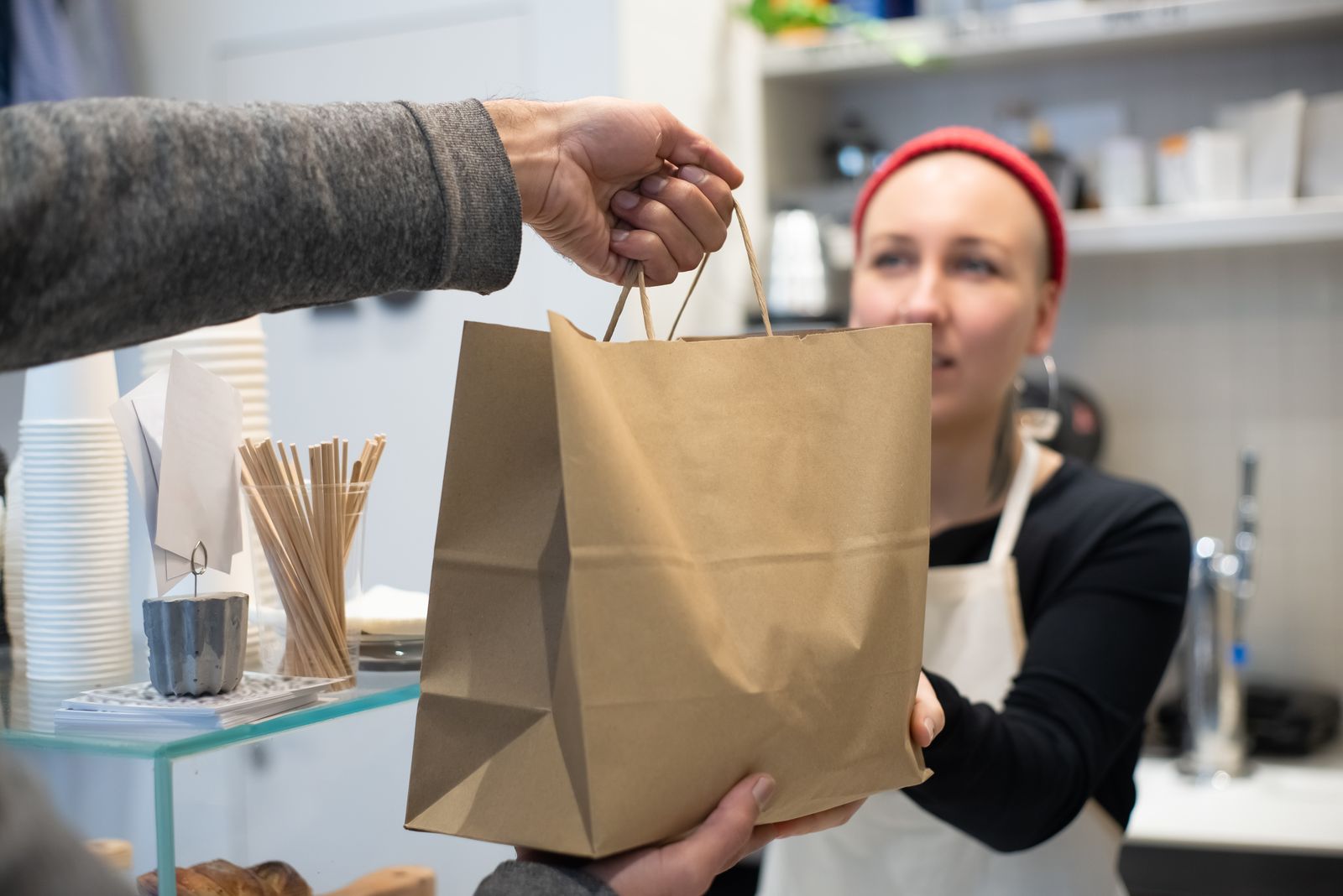
An online ordering system for restaurants lets guests order and pay from a phone or computer, then sends the order straight to your kitchen for pickup, delivery, or a table. There are three ways to get one. You can list on a marketplace app like DoorDash or Uber Eats. You can use an ordering platform or POS add-on like Square, Toast, or ChowNow. Or you can take orders on your own website. Each route costs very different amounts per order.
The short answer: marketplace apps bring you new customers but take 15% to 30% of each delivery order. Ordering platforms and your own website cost mostly card processing (about 3% plus 30¢ an order) plus a monthly fee. Most restaurants do best with both: apps for discovery, and a direct ordering channel for regulars. Below we compare the real cost of each route at 300 orders a month, list the features that matter, and explain when your own system pays off.
The three types of online ordering system for restaurants
1. Marketplace apps (DoorDash, Uber Eats, Grubhub)
You list your menu in their app. They bring the customers, handle the drivers, and charge a commission on every order. As of October 2026:
- DoorDash (US): 15% (Basic), 25% (Plus), or 30% (Premier) on delivery orders, and 6% on pickup orders, with no monthly fee (DoorDash pricing).
- Uber Eats (US): 20% (Lite, 15% in some cities), 25% (Plus), or 30% (Premium) on delivery orders, 15% if you deliver yourself, and 7% on pickup if your in-app prices match your in-store prices (10% if they don't) (Uber Eats pricing).
The higher tiers buy you more visibility in the app and a wider delivery radius. The trade-off is that the customer belongs to the app, not to you. You usually get little or no contact data, and the app decides who sees your menu.
2. Ordering platforms and POS add-ons (Square, Toast, ChowNow, DoorDash Storefront)
These give you a branded ordering page or website, often tied to your point-of-sale, with no commission on orders. You pay card processing and, on most plans, a monthly fee. As of October 2026:
- Square for Restaurants: Free plan at $0 with online orders at 3.3% + 30¢; Plus at $49 per location a month with online orders at 2.9% + 30¢; Premium at $149 per location a month (Square pricing).
- DoorDash Storefront (DoorDash's commission-free ordering for your own site): no monthly fee and 0% commission; you pay 2.9% + 30¢ per order in card processing (DoorDash on delivery pricing).
- ChowNow: no commission. It charges a monthly plan (Launch, Grow, or Elevate), listed at about $229 to $449 a month depending on plan and billing term, plus processing of 2.95% + 29¢ (Chowly's comparison). Plans and terms change, so ask ChowNow for a written quote.
- Toast: online ordering works inside the Toast POS, priced per location. Toast quotes it as part of a POS package, so get a written quote that separates the software fee from the online card rate.
These are the usual answer to "best online ordering system for restaurants" lists, and for good reason: they're quick to set up and much cheaper per order than apps. The limits are the platform's own. You get their checkout, their design options, their rules on modifiers and delivery zones, and you're often tied to their POS and payment processor.
3. An ordering system on your own website
Here the menu, cart, and checkout live on your restaurant's website, connected to a payment provider (Stripe charges 2.9% + 30¢ for US cards, Stripe pricing), and to your kitchen and POS. You own the customer list, the design, and the order data, and you set your own rules: lunch-only items, catering with 24 hours' notice, a loyalty discount for regulars.
The catch: someone has to build and run it. That means hosting, security updates, menu changes, and fixing things on a Friday night. For delivery you either use your own drivers or book on-demand drivers per order. Uber Direct, for example, starts at $7.99 per delivery (Uber Eats pricing).
What each option costs at 300 orders a month
To compare like for like, take a restaurant doing 300 online orders a month at an average of $30, or $9,000 in online sales. These are the main fees from each provider's published pricing as of October 2026. Real bills run a little higher once tax, tips, and add-ons are included.
| Route | What you pay | Monthly cost at 300 × $30 |
|---|---|---|
| DoorDash Basic (delivery) | 15% commission | about $1,350 |
| DoorDash Premier / Uber Eats Premium (delivery) | 30% commission | about $2,700 |
| Uber Eats Lite (delivery) | 20% commission | about $1,800 |
| DoorDash pickup orders | 6% commission | about $540 |
| DoorDash Storefront | 2.9% + 30¢ processing | about $351 |
| Square for Restaurants, Free | 3.3% + 30¢ processing | about $387 |
| Square for Restaurants, Plus | $49 + 2.9% + 30¢ | about $400 |
| ChowNow | plan (about $229 to $449) + 2.95% + 29¢ | about $580 to $800 |
| Your own website (Stripe) | 2.9% + 30¢ + the cost of building and running the site | about $351 + your site's monthly cost |
Two things stand out. First, the gap between an app and a direct channel is large: on these numbers, moving 300 delivery orders from a 30% tier to a direct channel saves well over $2,000 a month, though you then pay for delivery yourself. Second, among the direct options, the processing fee is almost the same everywhere. What you're really choosing is the monthly fee, how much control you get, and how well it fits the way your kitchen works.
The apps aren't the enemy. They're a marketing channel with a price. The goal is to let them find you new customers, then give those customers a reason to order directly next time (a flyer in the bag, a QR code on the box, a loyalty perk on your own site).
That shift is getting easier. In October 2026, Olo announced a consumer ordering app that charges guests a 5% network fee and is pitched as an alternative to marketplace commissions that can reach 30% per order (Nation's Restaurant News, Restaurant Dive). Expect more commission-free options, not fewer.
Is there a free online ordering system for restaurants?
Yes, in the sense of "no monthly fee". Square's Free plan and DoorDash Storefront both cost $0 a month, and you pay only card processing on each order. That's a perfectly good start for a small takeaway or a food truck testing online orders.
"Free" usually means:
- Their branding, their layout, and limited design control.
- Higher or fixed processing rates (Square's Free plan charges 3.3% + 30¢ online, against 2.9% + 30¢ on Plus).
- Features held back for paid tiers, such as advanced modifiers, scheduling, loyalty, or kitchen display apps.
- Being tied to one POS or payment processor, which makes switching later harder.
The same applies if you search for a free online ordering system for small business outside food (a bakery, a florist, a farm shop): the free tier covers taking orders, not shaping the process around you.
Features your online ordering system needs
Use this checklist when you compare any system, including one built for you:
- Menu modifiers: sizes, add-ons, "no onions", half-and-half pizzas, combo meals, required choices.
- Pickup and delivery zones: delivery radius or postcodes, minimum order per zone, delivery fees by distance.
- Order scheduling: order now or for later, opening hours, holiday closures, prep-time buffers at busy times.
- Pausing and throttling: turn off items that sold out, or limit orders per 15 minutes so the kitchen isn't buried.
- Payments: cards, Apple Pay and Google Pay, tips, and, if you want them, pay-at-pickup and gift cards.
- Kitchen notifications: orders appear on the POS, a kitchen display, or a ticket printer, with an alert that can't be missed.
- POS integration: one menu kept in sync, so prices and sold-out items match in store and online.
- Customer updates: order confirmation and "ready for pickup" messages by email or text.
- QR code ordering: a restaurant QR code ordering system at tables or on takeaway packaging that opens the same menu.
- Customer data and reorders: accounts or saved details, order history, and a simple way to reach regulars.
- Reports: sales by item, by hour, and by channel, so you know which orders are actually profitable.
If your restaurant does something the standard tools handle badly (catering orders with deposits, meal plans, several brands from one kitchen, or multiple locations with different menus), that's the strongest sign a system built around your process will pay off.
How to choose the right system for your restaurant
- Count your orders and your channels. How many online orders a month, how many are delivery versus pickup, and how many already come from the apps.
- Work out your real cost per order. Use the table above with your own average order value. At low volume, a free plan is fine. As volume grows, every point of commission matters.
- Start from your POS. If you're happy with Square or Toast, their ordering add-on is the simplest path. If your POS is old or limited, don't let it dictate your ordering.
- Decide who owns the customer. If repeat orders and your own customer list matter, you need a direct channel on your own domain.
- Check the kitchen side. Run a test order during service. Does it reach the right screen or printer? Can staff pause items in seconds?
- Plan delivery. Your own drivers, on-demand drivers per order, or pickup only. Each changes the numbers.
- Read the contract. Setup fees, minimum terms, notice periods, hardware, and who owns your menu data if you leave.
For a UK online ordering system for takeaway shops, the logic is the same, but compare UK pricing pages, since rates and plans differ by country.
Having your own ordering system built for you
If you want ordering on your own website without building and running it yourself, a custom ordering site is a third route between DIY platforms and the apps.
Buildly designs, builds, hosts, and maintains online stores and ordering websites on a monthly subscription. You send a free brief, get a written scope and price, and approve each stage: scope, wireframes, design, build, and launch (how it works). A few points that matter for restaurants:
- Which plan: an ordering website with a menu, cart, and checkout usually fits the Growth plan. With customer accounts, multiple locations, staff roles, and several integrations it fits Business. Both are priced "from" on the pricing page, with the initial build included and a one-time setup fee.
- Integrations: connecting a payment provider or your POS is a standard integration at $20 each, once.
- Changes: Growth includes 1 change request a month and Business 2, which covers things like seasonal menus or a new delivery zone.
- Ownership: you own the source code and database after 12 months on Growth, or 24 months on Business. The contract is month to month after the plan's commitment.
- Technology: Buildly recommends the stack in your written scope (for example WooCommerce on WordPress, or custom code), and you can ask for one you prefer.
You'd still pay your payment provider's card fees and arrange delivery, as with any direct channel. If you also need the rest of your site to sell the experience (photos, hours, reservations), see our guide to restaurant website design.
The bottom line
Use the apps for reach, but don't let them be your only online channel. Start a direct channel as soon as you can: a free or low-cost platform if you're small, or an ordering system on your own website when volume, menu complexity, or customer data make it worth it. The table above shows the stakes: at a few hundred orders a month, the route you choose can be worth thousands of dollars a month.
Frequently asked questions
What is the best online ordering system for restaurants?
There's no single best one; it depends on your POS, volume, and how much control you want. Square and Toast suit restaurants already on their POS, DoorDash Storefront is a no-monthly-fee start, and an ordering system on your own website fits restaurants with complex menus or several locations. Many restaurants combine a direct channel with marketplace apps.
Is there a free online ordering system for restaurants?
Yes. As of October 2026, Square's Free plan and DoorDash Storefront have no monthly fee and charge only card processing (3.3% + 30¢ and 2.9% + 30¢ per order). Free tiers come with limits on design, features, and which POS or processor you can use.
How much do DoorDash and Uber Eats charge restaurants?
As of October 2026, DoorDash charges 15%, 25%, or 30% on US delivery orders depending on the plan, and 6% on pickup. Uber Eats charges 20%, 25%, or 30% on delivery, 15% if you deliver yourself, and 7% on pickup when in-app prices match in-store prices.
Can a small restaurant have its own online ordering website?
Yes. You can use a platform's ordering page, or have an ordering system built into your own website with a payment provider and your POS connected. Your own site gives you the customer data and full control of the menu and checkout, but someone has to host and maintain it.
What is commission-free online ordering?
It means the ordering provider doesn't take a percentage of each order as a commission. You still pay card processing (usually around 3% plus 30¢ per order) and often a monthly software fee, which at most volumes is far less than a 15% to 30% marketplace commission.
Sources
- DoorDash: Commission rates and pricing
- DoorDash: Food delivery and pickup commissions and fees, explained
- Uber Eats Merchants: Pricing
- Square for Restaurants pricing
- Chowly: ChowNow alternatives
- Stripe pricing
- Nation's Restaurant News: Olo launches restaurant ordering app with promise of lower prices
- Restaurant Dive: Olo wants to kill delivery commissions