Online Booking System for Small Business: Ready-Made App or Your Own?
Most small businesses should start with a ready-made booking app. Here is what the popular ones cost as of October 2026, what their free plans leave out, and when a booking system built around your business pays off.
By BuildlyPublished October 19, 20268 min read
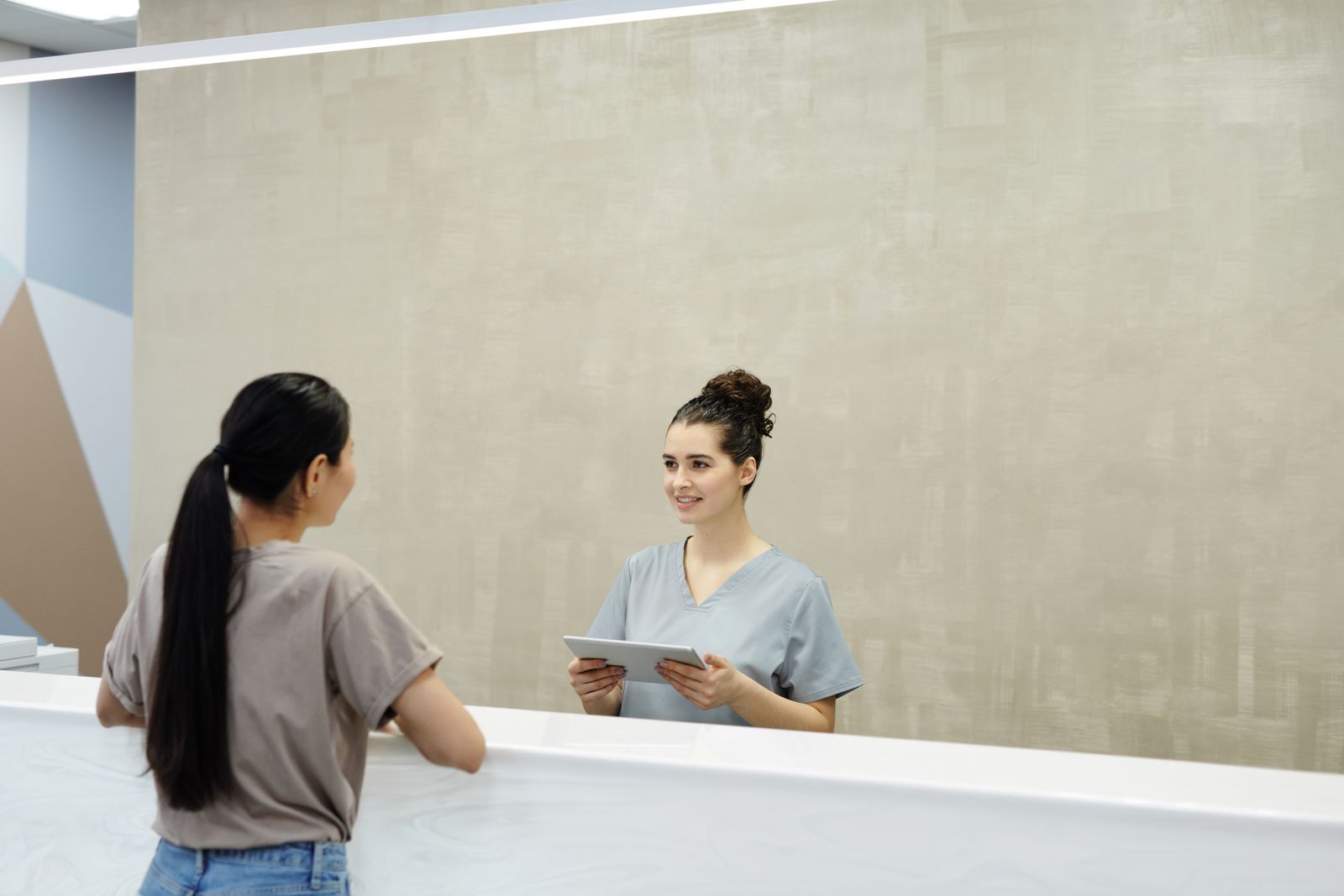
For most salons, clinics, studios, tutors and trades, the right online booking system for small business is a ready-made app: Setmore, SimplyBook.me, Square Appointments, Acuity or Calendly will take bookings for somewhere between £0 and about £30 a month per person or location. A system built for you only pays off when the way you sell time doesn't fit those apps: packages and memberships, several locations with shared resources, unusual pricing rules, or bookings that need to feed straight into your own customer records.
So the real question isn't "which is the best booking app?" but "which one fits how my bookings actually work, and what will the free plan stop me doing?" This guide answers both, with prices checked on each provider's own page as of October 2026, a feature checklist, and the signs you've outgrown an off-the-shelf tool.
What an online booking system should do for a small business
Before comparing tools, write down what a booking actually involves in your business. A good system should handle, at minimum:
- Live availability across your opening hours, staff rotas and breaks, so customers can only pick slots that really exist.
- Services with different durations and prices, plus buffer time between appointments.
- Confirmations and reminders by email and, ideally, SMS, because a text is what most people actually read.
- Deposits or full payment at booking, so no-shows cost the customer rather than you.
- Cancellation and rescheduling rules (for example, free up to 24 hours before).
- Staff calendars that sync both ways with Google or Outlook, so a dentist appointment someone puts in their own calendar blocks their slots.
- Your branding and your domain, with the booking page or widget on your own website rather than only on a marketplace.
- Customer records: history, notes, and contact details you can export.
If a tool misses something on that list that matters to you, it is the wrong tool, however cheap it is.
Best booking systems for small business UK: prices compared
Here is what the most common ready-made options cost, taken from each provider's pricing page as of October 2026. Some list prices in US dollars or euros even for UK customers, so expect VAT and currency conversion on top.
| Tool | Free plan | Paid plans (as of Oct 2026) | Best for |
|---|---|---|---|
| Setmore | Up to 4 users, email reminders, online payments | Pro: from $5/user/month billed yearly | Small teams on a budget |
| SimplyBook.me | 50 bookings, 1 provider | Basic €11.90/month yearly (€13.90 monthly); Standard €24.90 (€29.90); Premium €49.90 (€59.90) | Services businesses that want many add-on features |
| Square Appointments | Single location | Plus £29, Premium £69 per location/month; online UK card payments 1.4% + 25p | Salons and shops that also take payments in person |
| Acuity Scheduling | 7-day trial only | Starter $16/month yearly ($20 monthly); Standard $27 ($34); Premium $55 ($69) | Consultants, coaches, therapists |
| Calendly | 1 event type, no payments or reminders | Standard $10/seat/month, Teams $16/seat/month (billed yearly) | Client calls and meetings rather than in-person services |
| Fresha | No free plan; a 7-day trial | A flat fee for one bookable person or a per-team-member subscription; card processing is an optional add-on; a one-time fee applies to new clients found through the Fresha marketplace | Hair, beauty and wellness that want marketplace exposure |
A few things that don't show up in the headline price:
- Calendar and staff limits. Acuity's Starter plan covers one calendar; you need Standard for up to six and Premium for up to 36. SimplyBook.me limits providers per plan (1, 5, 15, 30).
- Booking caps. SimplyBook.me's free plan includes 50 bookings, and paid plans include 100, 500 or 2,000.
- Payment fees. Every tool that takes card payments passes on processing fees. On Square, online payments with UK cards cost 1.4% + 25p per transaction, and non-UK cards 2.5% + 25p.
- Per-location pricing. Square's paid plans are priced per location, so two branches double the bill.
Is there a free booking system for small business?
Yes, and for a sole trader or a very small team a free plan can be enough to start. But free plans are designed to show you what you're missing. Based on the providers' own pages as of October 2026:
- Setmore Free gives up to 4 users and online payments, but leaves out SMS reminders, deposits, two-way calendar sync, recurring appointments and removing Setmore branding.
- SimplyBook.me Free caps you at 50 bookings and one provider, and payments and deposits start on Basic.
- Calendly Free allows one event type and no payment collection or automated reminders.
- Square Appointments Free covers a single location; waitlists, class booking, cancellation fees and Google Calendar sync start on Plus.
The two features small businesses most often end up paying for are SMS reminders and deposits, because those are what cut no-shows. If missed appointments are your main problem, budget for a paid plan from day one.
Does Google offer a booking system?
Google Calendar has appointment schedules: you publish your availability on a booking page and people pick a slot. It works with a personal Google account, can send reminders, and can request payment through a connected Stripe account. Google notes that some appointment schedule features need an eligible Google Workspace or Google One subscription. It suits a single person taking consultations; it isn't built for multiple staff, services with different durations, or a salon's daily diary.
How to set up an online booking system (step by step)
- List your services with duration, price, buffer time and which staff can do each one.
- Set your rules: notice period, how far ahead people can book, cancellation window, deposit amount.
- Choose the tool that covers your must-haves, using the table above, and start a trial with real services, not test ones.
- Connect payments (Stripe, Square or the tool's own processor) and test a booking with a real card.
- Connect staff calendars both ways, so personal events block slots.
- Write the messages: confirmation, reminder 24 hours before, and a cancellation message that explains your policy.
- Put it where customers already are: a "Book now" button on your website, Google Business Profile and social profiles.
- Review after a month: no-show rate, bookings outside opening hours, and which questions customers still phone about.
When a booking system built for your business makes sense
Ready-made booking apps are built around one model: a customer picks a service, a person and a time. Many businesses don't sell time that simply. A system built around your business starts to pay off when:
- You sell packages, memberships or credits, such as a block of ten classes, a monthly membership with a booking allowance, or a course of treatments that must be booked in order.
- Bookings depend on resources, not just people: rooms, equipment, vehicles or pitches that are shared between staff or locations.
- You have several locations with different hours, prices and staff, and you want one view of all of them without paying per location.
- Your pricing has rules an app can't express: peak and off-peak rates, group sizes, quotes before confirmation, or approval by a manager.
- Bookings need to flow into your own systems, such as your customer database, invoicing, or a portal where customers see their history, documents and upcoming appointments.
- You're paying for several tools and copying data between them: a booking app, a separate payment link, a spreadsheet of members and an email tool.
The trade-off is real: a custom system costs more than a £10 app and takes weeks to build rather than an afternoon to set up. It is worth it when the workarounds cost you staff time every day or turn customers away. We cover the wider decision in when bespoke software pays off for a UK small business.
Ready-made app vs your own booking system
| Ready-made booking app | Booking system built for you | |
|---|---|---|
| Set-up time | Hours | Weeks, in agreed stages |
| Cost | Free to about £70 per user or location a month, plus card fees | A setup fee and a monthly subscription or a one-off project |
| Fits your process | You adapt to the app | The system follows your services, rules and pricing |
| Branding | Your logo; provider branding on lower plans | Fully yours, on your own domain |
| Customer data | Stored with the provider; export options vary | In your own database |
| Changes | Wait for the provider's roadmap | Requested and built for you |
Having a booking system built for you
If you've hit the limits above, Buildly designs, builds, hosts and maintains booking systems as part of a monthly subscription. You send a free brief, get a written scope and price, and approve each stage: scope, wireframes, design, build and launch. You can see how the stages work on how it works.
- A simple booking or enquiry page on your website fits the Essential plan: $35/month launch price (regular $60), with a $100 setup fee, the initial build at no extra charge, 2 change requests a year and shared hosting. You own the source code and database after 12 months.
- Booking with customer accounts, payments and integrations, for example several locations, staff roles or approvals, fits the Business plan, which starts from the price on our pricing page. It includes 2 change requests a month, and you own the code after 24 months.
- Standard integrations, such as a payment provider or a calendar, are $20 each, once.
A booking system can also be one part of something larger: a web application your customers use, or an internal tool that replaces the spreadsheets your team uses to manage the diary. We recommend the technology in your written scope, and you can ask for one you prefer.
If you're not sure whether you need an app or your own system, send a brief: the written scope will tell you what it would take, and you can still choose a ready-made tool.
Which online booking system should you choose?
- Sole trader or one-person consultancy: Calendly, Acuity Starter or Google Calendar appointment schedules.
- Small salon, clinic or studio with a few staff: Setmore, SimplyBook.me or Square Appointments; pay for SMS reminders and deposits.
- Hair and beauty wanting new customers from a marketplace: Fresha, keeping the new-client fee in mind.
- Classes, memberships, several locations or custom pricing: test the paid tiers first; if you are still working around the tool, a system built around your business is likely the better long-term choice.
Frequently asked questions
What is the cheapest online booking system?
Several tools have free plans, including Setmore (up to 4 users), SimplyBook.me (50 bookings) and Square Appointments (one location). As of October 2026, the cheapest paid plans start at around $5 per user per month for Setmore Pro billed yearly. Card processing fees come on top whenever you take payments.
Is there a free booking system for small business?
Yes. Setmore, SimplyBook.me, Square Appointments and Calendly all have free plans, and Google Calendar offers appointment schedules. Free plans usually leave out SMS reminders, deposits, two-way calendar sync or extra staff, which are the features that reduce no-shows.
How do you create a booking system?
List your services with durations and prices, set your booking and cancellation rules, choose a tool that covers your must-haves, connect payments and staff calendars, and add a Book now button to your website and Google Business Profile. If no ready-made tool fits your services or pricing, you can have a booking system built around your business instead.
Does Google offer a booking system?
Google Calendar has appointment schedules, which publish a booking page from your availability and can send reminders and request payment through Stripe. Some features need an eligible Google Workspace or Google One subscription. It suits one person taking appointments better than a team with several services.
Can a booking system take payments and deposits?
Most paid booking systems can take full payment or a deposit at the time of booking, usually through Stripe, Square or their own processor. On some free plans deposits are not included, for example on Setmore Free. Each payment carries a processing fee, such as 1.4% + 25p for UK cards online on Square.