Contractor Website Design: What Your Site Needs to Win More Jobs
A contractor website has one job: turn local searches into calls and quote requests. Here is what the site needs, page by page, and what it costs to build one with a builder, an agency, or a subscription.
By BuildlyPublished November 3, 20269 min read
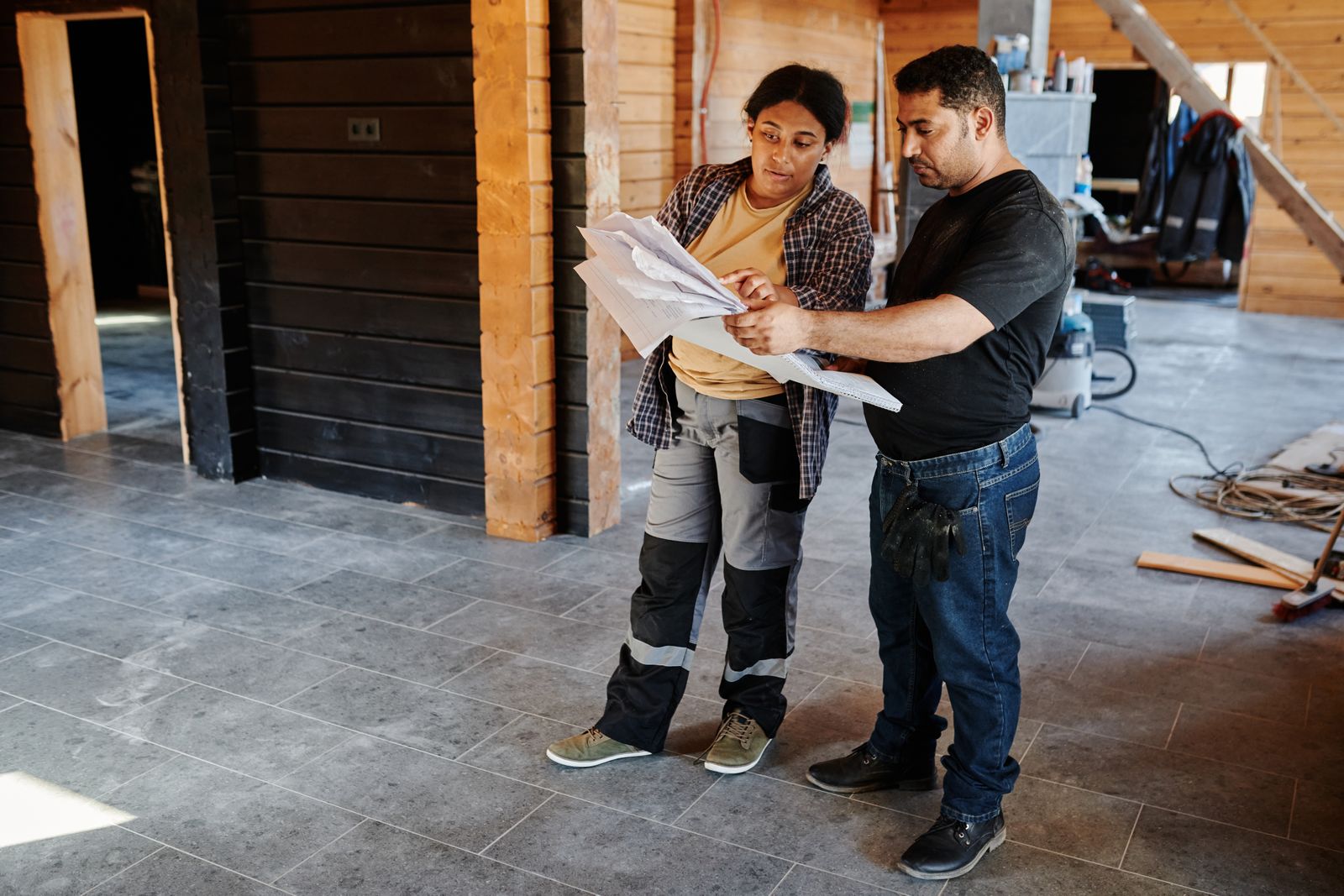
Good contractor website design is less about looks and more about turning a local search into a phone call or a quote request. The site has to show what you do and where, prove you do it well with real project photos and reviews, show you are licensed and insured, and make it easy to call or send job details from a phone in under a minute.
Most of the "best contractor websites" galleries skip that part and show you good-looking homepages. This guide goes page by page through what the site needs, gives you a checklist, and compares what a builder, an agency, and a subscription cost, so you can pick the route that fits a small trades business.
What a contractor website has to do
Homeowners hiring a contractor are usually comparing three or four companies on their phone, often after a search like "kitchen remodeler near me" or "roof repair [town]". Your site has to answer their questions quickly:
- Do you do the job I need? Clear service pages, not one "Services" list.
- Do you work in my area? Named towns, counties, or neighborhoods.
- Are you any good? Photos of finished work and recent reviews.
- Can I trust you in my house? License, insurance, years in business, real names and faces.
- How do I get a price? A visible phone number and a short quote form.
Everything below serves one of those five questions.
The pages a contractor site needs
A homepage that passes the five-second test
Above the fold, on a phone, a visitor should see what you do, where you do it, and how to reach you: for example "Roofing and gutter repair in Montgomery County" with a tap-to-call button and a "Get a free quote" button. Put a strip of trust signals right under it (license number, "fully insured", review rating) and a few project photos. Skip sliders and autoplay video: they slow the page down and push the important part out of view.
One page per service
A general contractor who does kitchens, bathrooms, additions, and decks should have a page for each. Each page should say what the work includes, what affects the price, roughly how long it takes, photos of that kind of job, and its own quote button. Separate pages give Google something specific to match against specific searches. Google says local results depend mainly on relevance, distance, and prominence, and a page about "deck building" is far more relevant to a deck search than a bullet point on a services page.
Service area pages, done honestly
If you work across several towns, a page for each main area helps, but only if each one has something real on it: projects you did there, local permit notes, reviews from customers in that town. Pages that only swap the town name are thin content and do little. If you can't write something useful for an area, list it on a single "Areas we serve" page instead.
A project gallery with before and after photos
This is the page homeowners spend the most time on. Organize projects by type, and for each one show before and after photos, a sentence or two on the problem and what you did, the town, and (if the customer agrees) their review. Use your own photos, not stock images: people can tell, and real jobs are your best proof. Compress the photos so the gallery still loads quickly on mobile data.
License, insurance, and "about us"
State your license number and the states or license classes it covers, say that you carry liability insurance (and workers' comp, if you do), and link to your state's license lookup so people can check. Some states have rules about showing your license number in advertising, so check with your licensing board. The about page should show the owner and crew with real photos, years in business, and any certifications or manufacturer programs you belong to. If you run Google Local Services Ads, you will already have gone through Google's license and business checks, and the same details belong on your site.
Reviews
Reviews do a lot of the selling. BrightLocal's Local Consumer Review Survey 2026 found that 97% of consumers read reviews for local businesses, 68% want at least a four-star rating, and 74% only consider reviews from the last three months. So show recent reviews (with dates) on the homepage and on each service page, link to your Google Business Profile, and reply to reviews there: 89% of people in the same survey expect owners to respond.
Keep it clean. The FTC's rule on fake reviews (August 2024) bans buying reviews, posting reviews from people who never used the business, and paying for reviews of a particular sentiment. Ask every happy customer instead, with a direct link.
A quote request form that gets real details
The quote form is where the site earns its keep. Keep it short but useful:
- Name, phone, email, and the job's address or ZIP code
- Type of work (a dropdown matching your service pages)
- A short description and photo upload, so you can price or qualify the job before driving out
- Rough timing ("as soon as possible", "1 to 3 months", "just planning")
- Optional budget range
Send each request to your email and phone at once, and reply with a confirmation that says when you will call back. If you already use a CRM or job management tool, the form should feed into it rather than into another inbox.
Click-to-call and contact details on every page
Most visitors are on phones. Put a tap-to-call button in the header on every page, your business hours, and the same name, address, and phone number as your Google Business Profile. If you take emergency calls (plumbing, roofing leaks, HVAC), say so at the top.
Fast, mobile-first pages
Google's Core Web Vitals set the bar for "good": the main content loads within 2.5 seconds, the page responds to a tap within 200 milliseconds, and the layout doesn't jump around (a layout shift score of 0.1 or lower). Heavy photo galleries are the usual reason contractor sites miss these targets, so resize images, lazy-load the gallery, and test your key pages on a phone, not just on your office computer.
Contractor website checklist
| Item | Why it matters | Done? |
|---|---|---|
| Headline with service + area, tap-to-call, quote button above the fold | Answers "can you help me?" in seconds | ☐ |
| One page per main service | Matches specific searches and buyers | ☐ |
| Service area pages with real local content (or one areas page) | Local relevance without thin pages | ☐ |
| Project gallery with before/after photos, by job type | Proof of quality | ☐ |
| License number, insurance, link to state lookup | Trust before letting you in the house | ☐ |
| Recent, dated reviews and a link to Google reviews | Most buyers check reviews first | ☐ |
| Quote form with photo upload, routed to phone and email | Faster, better-qualified quotes | ☐ |
| Same name, address, and phone as Google Business Profile | Consistent local listings | ☐ |
| Pages pass Core Web Vitals on mobile | Fewer visitors leaving before it loads | ☐ |
| Analytics and call tracking set up | You know which pages bring jobs | ☐ |
What contractor website design costs
Prices vary a lot with the number of pages, the gallery, and who writes the content. Here are the three common routes, with prices checked in November 2026:
| Route | Upfront cost | Ongoing cost | Who does the work | Good fit for |
|---|---|---|---|---|
| Website builder (Wix, Squarespace, or a contractor template) | Your time; templates and setup often a few hundred dollars | Squarespace from $12 to $25/month billed yearly; Wix from $17.77 to $159.77/month billed yearly | You: writing, photos, updates, SEO | A new or one-person business with time to spare |
| Freelancer or agency project | Freelance WordPress builds around $2,000 to $7,600; agencies $5,000 to $15,000 for a complete small business site (WebsiteSetup) | Hosting, plus a care plan or hourly fees for changes | The designer or agency, until handover | A business that wants a custom site and has the budget up front |
| Built-and-run subscription (such as Buildly) | Setup fee | A monthly plan that includes hosting and maintenance | The provider builds, hosts, and maintains it | A busy contractor who wants a custom site without a large upfront bill |
A builder is the cheapest in cash but not in time: someone still has to write the service pages, sort the photos, and keep it fast. An agency project gives you a custom site, but the big payment comes before the site has brought in a single job, and changes afterwards are usually billed separately. For more on ongoing costs, see our guides to website maintenance cost and how much a website costs per month.
Having your contractor website built for you
Buildly designs, builds, hosts, and maintains business websites on a monthly subscription. A contractor site with service pages, area pages, a project gallery, and a quote form fits the Essential plan: a $35/month launch price (regular $60), which subscribers keep for as long as they stay subscribed, plus a $100 setup fee. The initial build is included at no extra charge, the plan includes 2 change requests a year, hosting is included, and you own the source code and database after 12 months.
It starts with a free brief. You get a written scope and price, then approve each stage: scope, wireframes, design, build, and launch (how it works). We recommend the technology in the scope, whether that is WordPress or custom code, and you can ask for one you prefer.
The next step: quotes, job tracking, and customer updates
Once the website brings in steady requests, the bottleneck usually moves to the office: quotes in spreadsheets, job photos on phones, and customers calling to ask "where are we up to?" Two kinds of software help here:
- A quote and job tracker. Requests from the website land in one list, you build quotes from your price lists, track which ones were accepted, and see each job's status and photos. See our guide to custom CRM software for when building your own beats a ready-made tool.
- A customer portal. Homeowners log in to see their quote, schedule, progress photos, change orders, and invoices, so the crew isn't fielding calls all day. Buildly builds customer portals; a portal with customer accounts and document sharing is a Growth-plan type of project (see plans and prices).
Neither is needed on day one. Start with a site that wins jobs, then add the tools when the paperwork starts costing you time.
Common contractor website mistakes
- One generic services page. It ranks for nothing in particular and doesn't convince anyone.
- Stock photos of smiling workers. Use your own crews and jobs, even if the photos are from a phone.
- Quote forms that go to an unread inbox. A fast reply often wins the job, so route requests to a phone.
- No license or insurance details. Homeowners look for them, especially for bigger jobs.
- A site registered in someone else's name. Make sure the domain and accounts are in your business's name.
- Never updating it. Add new projects and reviews every month or two; recent work shows you are busy and active.
The bottom line
Good contractor website design comes down to a few things done well: a clear service-and-area message, real project photos, visible license and insurance details, recent reviews, a quote form with photo upload, and pages that load fast on a phone. Pick a route that matches your time and budget, and when you're ready, send a free brief to get a written scope and price for your site.
Frequently asked questions
How much does a contractor website cost?
With a website builder you mostly pay a monthly plan (Squarespace was $12 to $25/month billed yearly as of November 2026) plus your own time. Freelance builds commonly run around $2,000 to $7,600 and agency projects $5,000 to $15,000, according to WebsiteSetup. A subscription spreads the cost over monthly payments that include hosting and upkeep.
What is the best website builder for contractors?
Wix and Squarespace both work for a simple contractor site, and some contractor-marketing companies sell their own templates. The better question is who will write the service pages, organize the project photos, and keep the site fast and updated. If that is you, a builder is fine; if not, a built-and-maintained site usually pays off.
What pages should a contractor website have?
A homepage, one page per main service, service area pages (or one areas page), a project gallery with before and after photos, an about page with license and insurance details, reviews, and a contact page with a quote form. Every page should have a tap-to-call button and a quote button.
Are contractor website templates worth using?
A template can get a simple site online quickly, and many look good. They rarely solve the hard parts: writing real service and area pages, a gallery of your own work, and a quote form that sends details and photos where you will see them. Use a template as a starting point, not the finished site.
How do I get my contractor website to show up in local searches?
Google says local results depend on relevance, distance, and prominence. Create a page for each service, mention the areas you serve with real local projects, keep your name, address, and phone the same as your Google Business Profile, and collect and reply to reviews regularly.
Sources
- Google Business Profile Help: Tips to improve your local ranking on Google
- Google Local Services Ads Help: screening and verification
- BrightLocal: Local Consumer Review Survey 2026
- FTC: Final rule banning fake reviews and testimonials (August 14, 2024)
- web.dev: Web Vitals
- Squarespace pricing
- Wix plans
- WebsiteSetup: Small business website costs